Pricing
Plans for every stage.
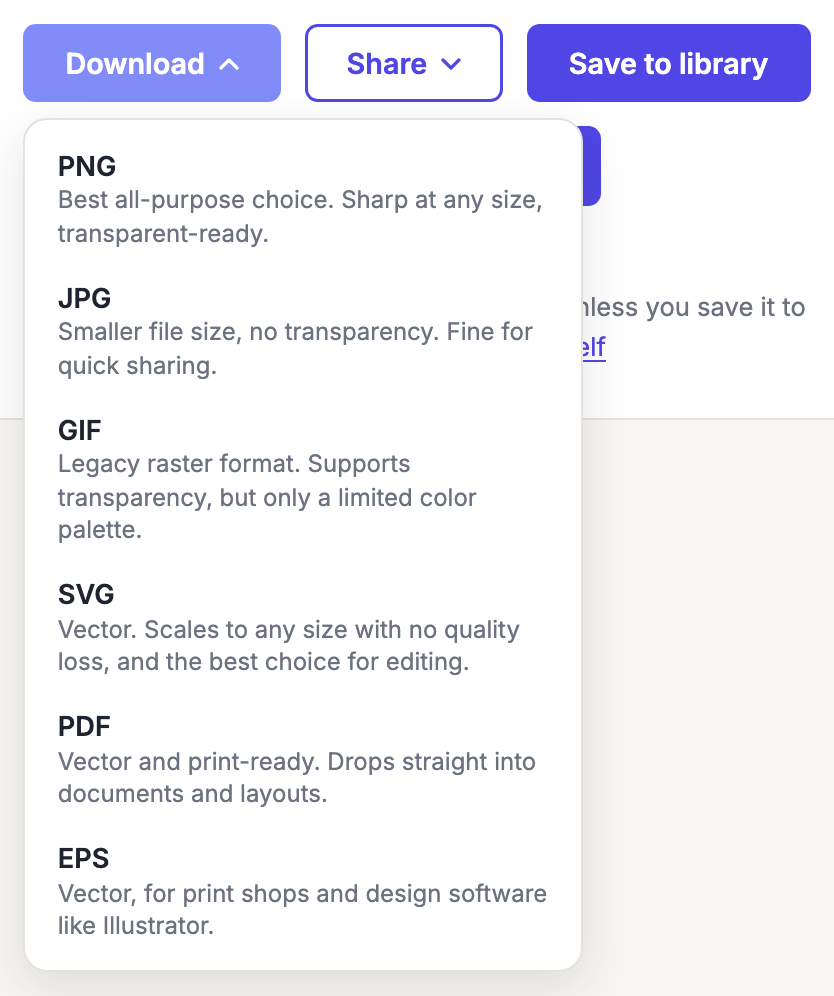
Qordway is free, and the free plan is the whole product for most people: every code downloads watermark-free in every format including print-ready vector, and you get dynamic QR codes you can repoint after they are printed.
| Feature | Basic |
|---|---|
| Price | Free, ad-supported |
| QR code generator | ✓ (all 10 code types) |
| Watermark-free downloads | ✓ |
| Print-ready vector (PDF, EPS, SVG) | ✓ |
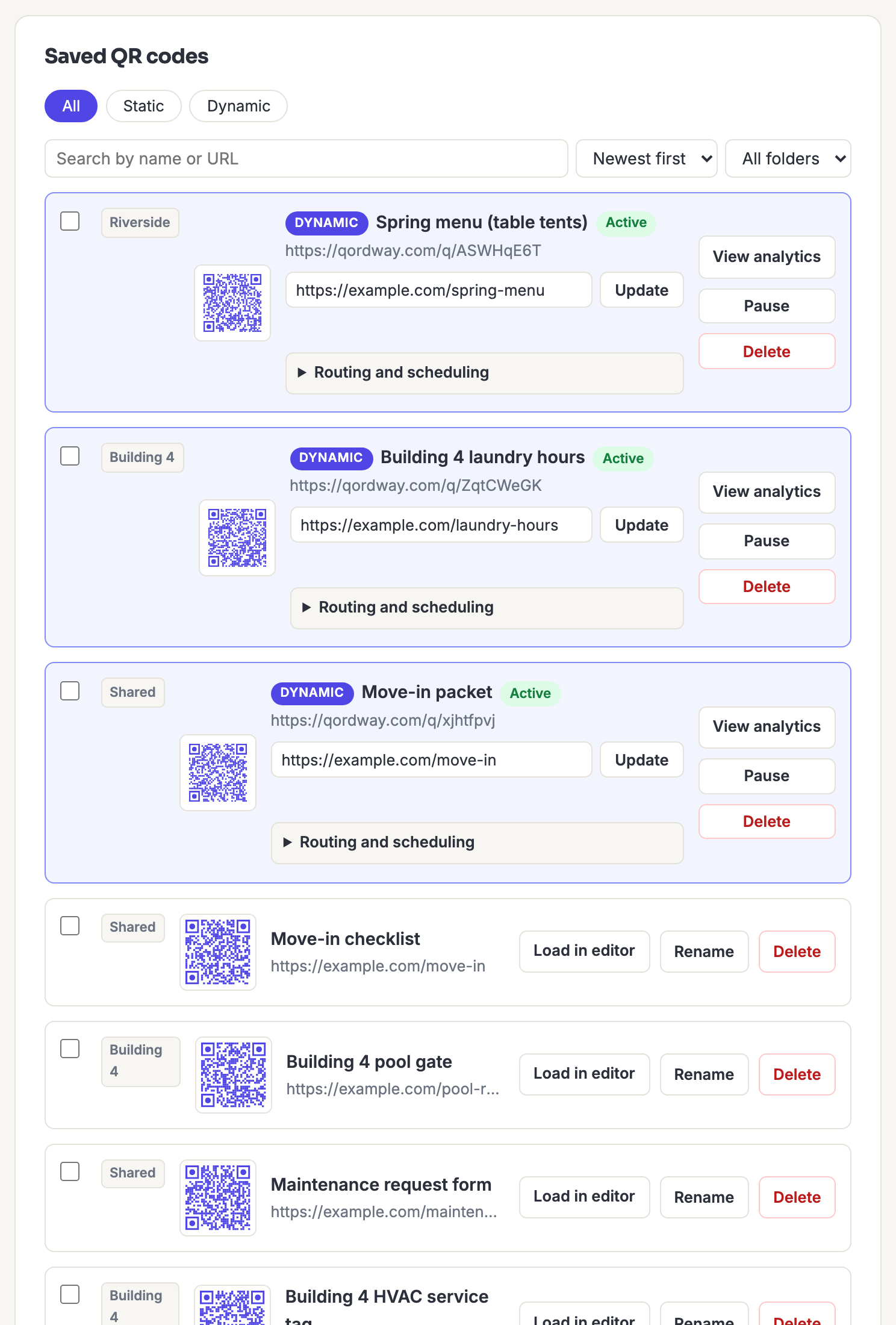
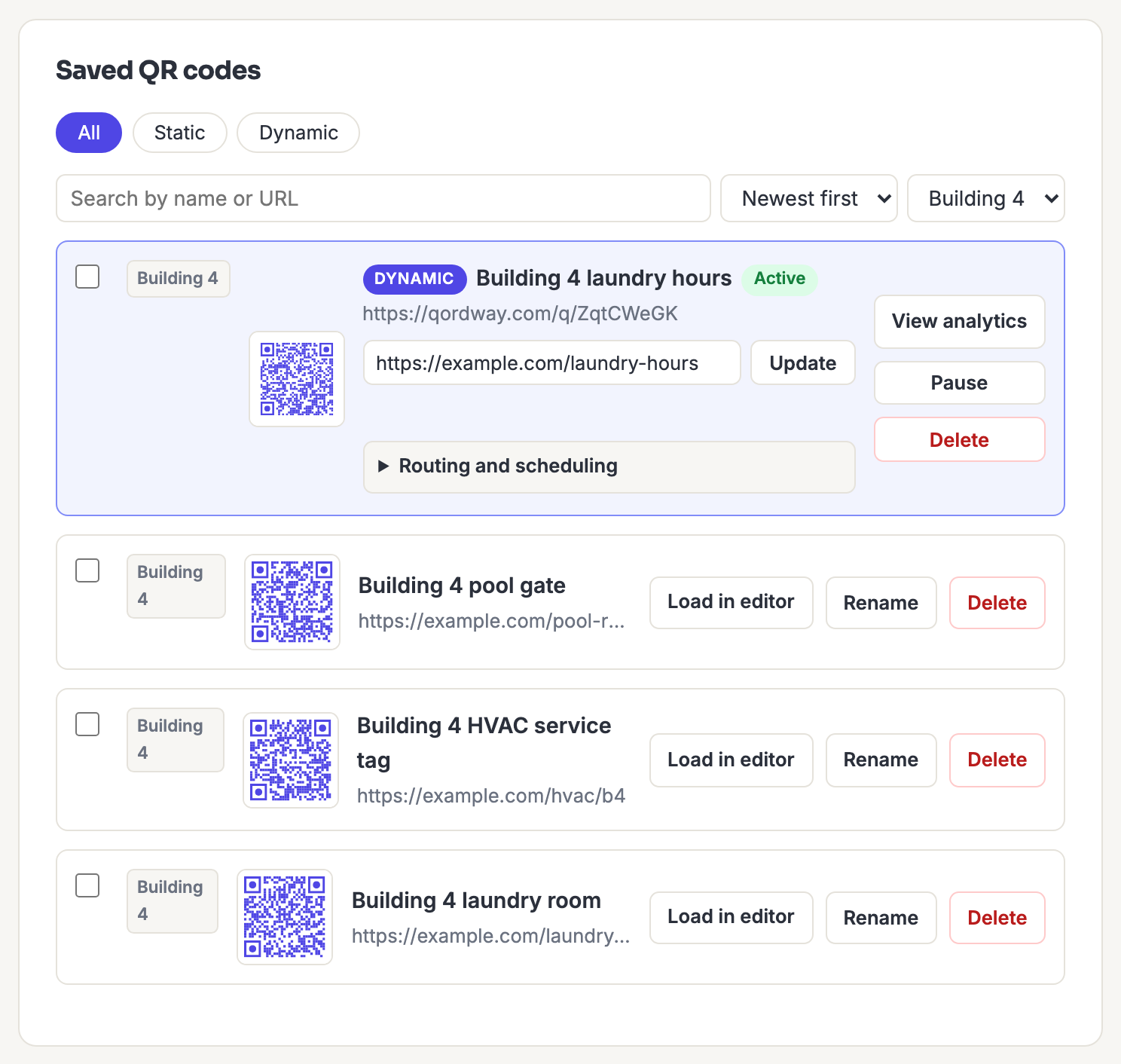
| Saved QR code library | ✓ (up to 25 codes) |
| Dynamic QR codes | ✓ (2, up to 500 scans each) |
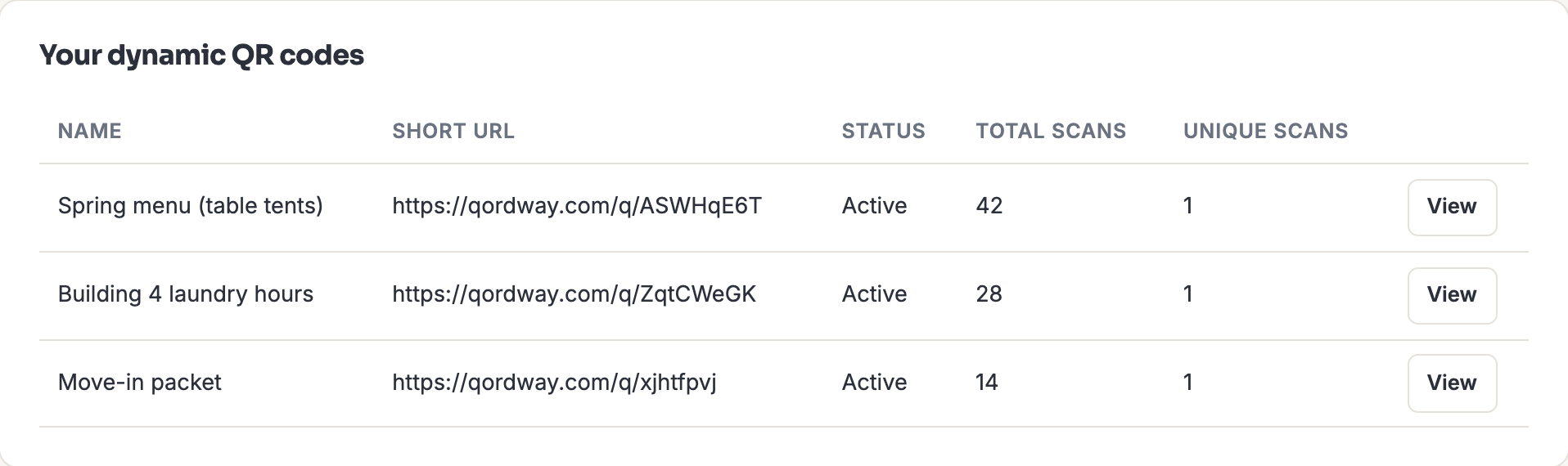
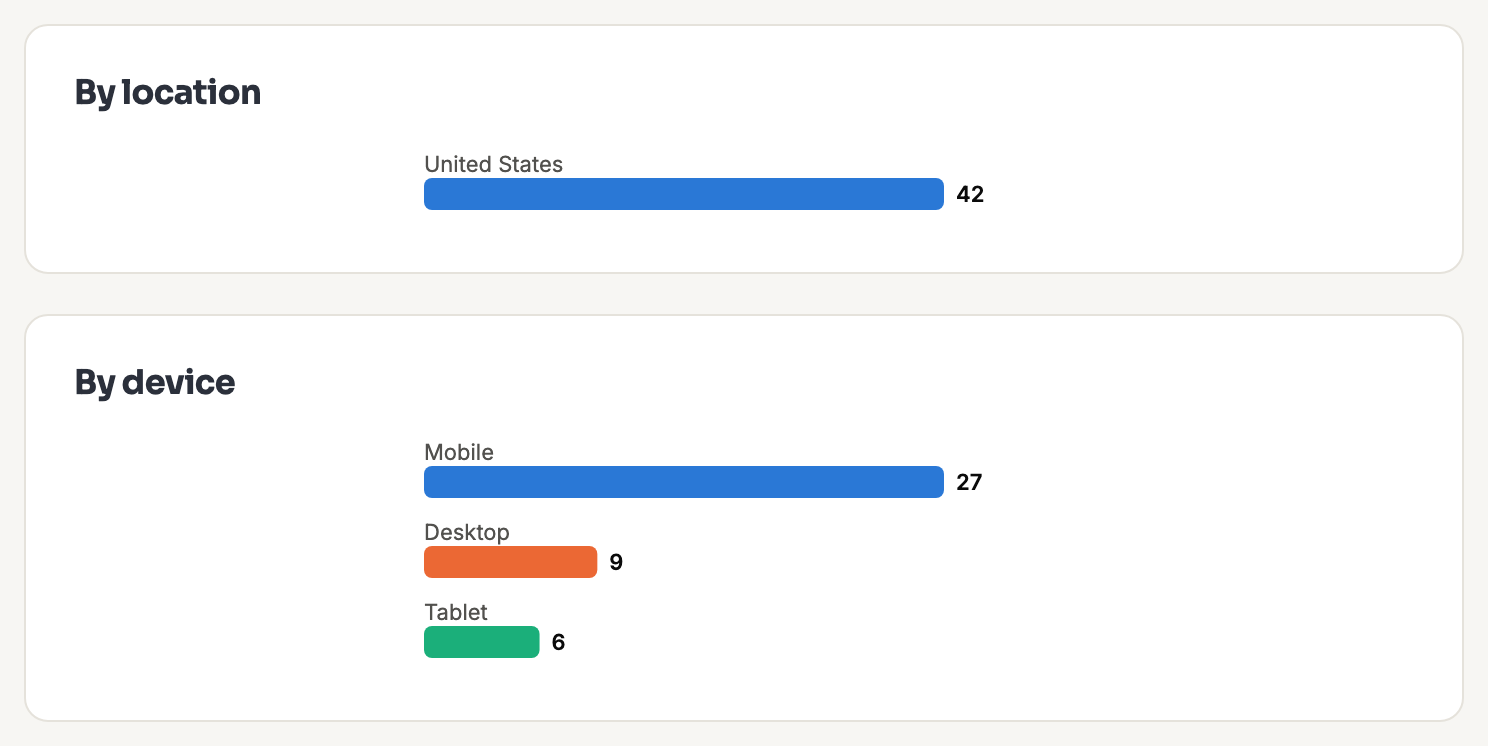
| Scan analytics | ✓ |
| Get started | Sign up free |
Nothing here is watermarked, on any plan, including this one. A QR code you generate is yours at full resolution in every format we support, and that includes print-ready vector PDF and EPS, which is what a print shop or a designer will actually ask you for.
Your 2 dynamic codes are real ones, with scan analytics, whose destination you can change after the code is printed. Each is good for 500 scans; after that the code stops forwarding and shows a branded page rather than failing.
Printing something expensive? What happens to your dynamic codes if we stop covers where the redirects run, and how to export the full map of your codes and their destinations on any plan, including the free one.
Paid plans are in development
They are built and they work. What is not built yet is a way for you to buy one without emailing a person, so rather than list prices you cannot act on, here is what they will add:
- Advanced: no ads, an unlimited saved library, 15 dynamic codes with unlimited scans, gradient colors, and API access for bulk work.
- Business: everything in Advanced, plus a shared team library with roles and an approval workflow, and 200 dynamic codes per person.
If one of those is the reason you are here, tell us what you need. It genuinely changes what we build next, and we will let you know when you can buy it.
What those checkmarks actually look like
Screenshots of the real product, taken from a real account. The QR codes and property names are examples; every pixel of the interface is what you get.